

Tracking
1,000
sales in Google Ads. Your Shopify store had 500.

Shoptician runs 60+ checks on your Shopify store’s Google Ads and ranks what to fix first.
By continuing you agree to the Terms of Service and the Privacy Policy.
Opened from an app? Google sign-in can fail inside app browsers. Open this page in Safari or Chrome.

Built by Dan KabakovGoogle Partner certified since 2016
Account score
56/100
29 fixes found. Top 3 first:
Featured in






Sample Shopify store, last 30 days
Tracking
1,000
sales in Google Ads. Your Shopify store had 500.
Search terms
$3,400+
spent on searches that never made a sale
Structure
$1,800
of brand clicks hidden inside other campaigns
Merchant Center
240
Shopify products disapproved, so they never show
Performance Max
$900
of PMax spend sent to /blogs/ and /policies/ pages
Landing pages
6s
for the top page to load on a phone
Sample report
Every fix in plain words, most important first. This one is from a sample Shopify store.
56/100
Account score
Top 3 fixes
How to fix it
How it works
Sign in with Google. We only read.
Across six areas, from tracking to audiences.
Your score and a ranked fix list, in plain words.
Connects to Google Ads, Merchant Center and GA4. No Shopify app to install.
Your account stays yours
Google’s sign-in has no read-only option for Google Ads, so it asks for full access. We only read, and our Terms of Service say so. Remove access any time in your Google Account.
Who built it
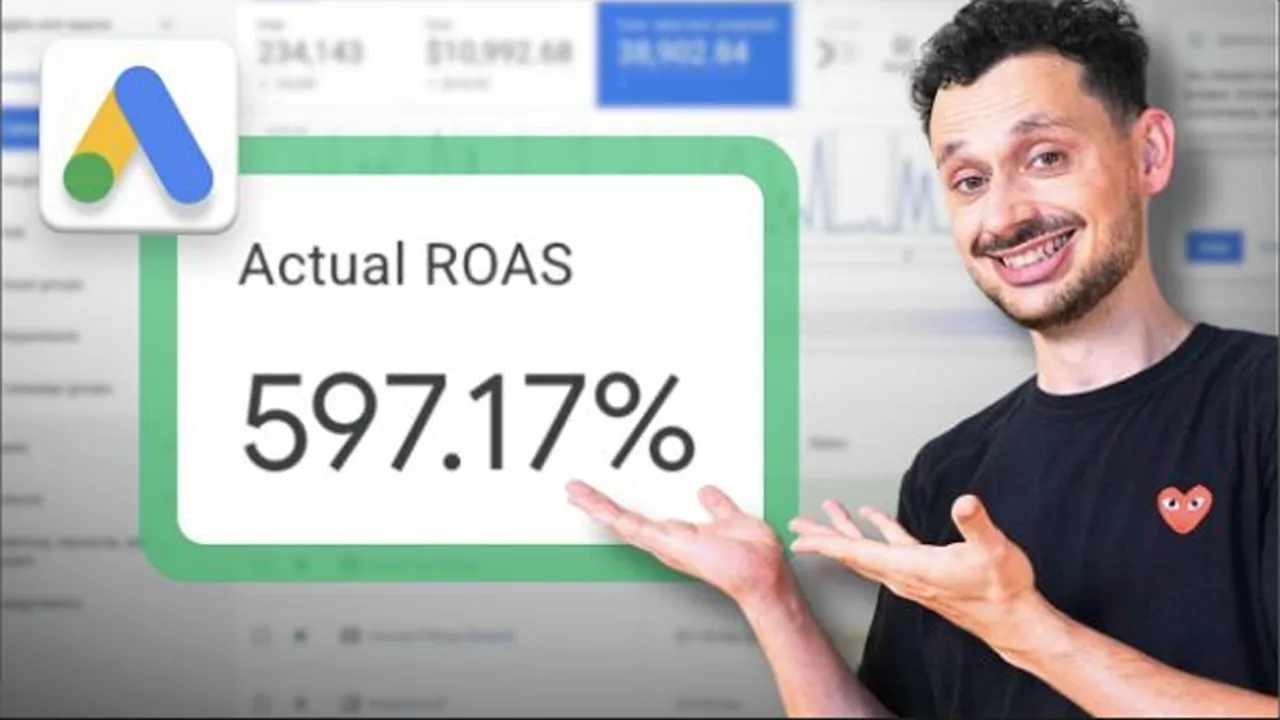
“I’ve run paid search and Shopping campaigns for 10 years. Shoptician runs the checks from my own audit framework.”
Dan KabakovFounder of Online Labs
Also in your free account
Your spend split next to a recommended one
Which setup fits your store right now
Missing or weak fields in your product feed
Can AI assistants read and name your store?
Who shows up next to your products
FAQ
No. We only read and never change anything. Google’s sign-in has no read-only option for Google Ads, so it asks for full access. You can remove access any time.
No. Shoptician is not a Shopify app. You sign in with Google and it reads your ad account. Nothing goes into your theme, checkout or admin.
Yes. The app links your store to Merchant Center and Google Ads. Shoptician checks what it set up on the Google side. Connect Merchant Center to include your product feed.
It reads the conversion actions in your Google Ads account. It flags orders counted twice and carts counted as sales. Add your monthly Shopify orders to your profile. Then it compares them with Google Ads.
No, it is optional. Without it Shoptician still checks Google Ads and your store pages. With it you also see disapproved and limited products.
Yes. The audit and the tools are free. No card needed.
Work through your fix list, most important first. Or send the report to Dan for a free review.
Your score, a ranked fix list and five free tools.
By continuing you agree to the Terms of Service and the Privacy Policy.
Opened from an app? Google sign-in can fail inside app browsers. Open this page in Safari or Chrome.